














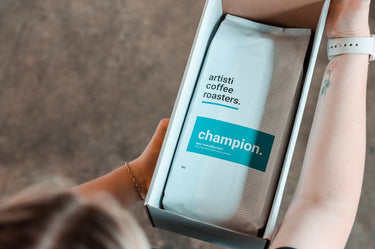
You can now add a product to your subscription as a one off purchase. This means it will be delivered with your subscription order but will only be sent once.
Step 1
Click on the icon to go to my account

Step 2
Login to your account

Step 3
Click on Manage Subscriptions

Step 4
Click on the ADD A PRODUCT button

Step 5
Select the product

Step 6
Select 'onetime', update any other options required, then click the ADD PRODUCT button.

Step 7
Done! Your product will be shipped at your selected date as a one-time purchase that will be charged at the same time as your coffee subscription.


